

TM 5-2410-240-23-1
0020
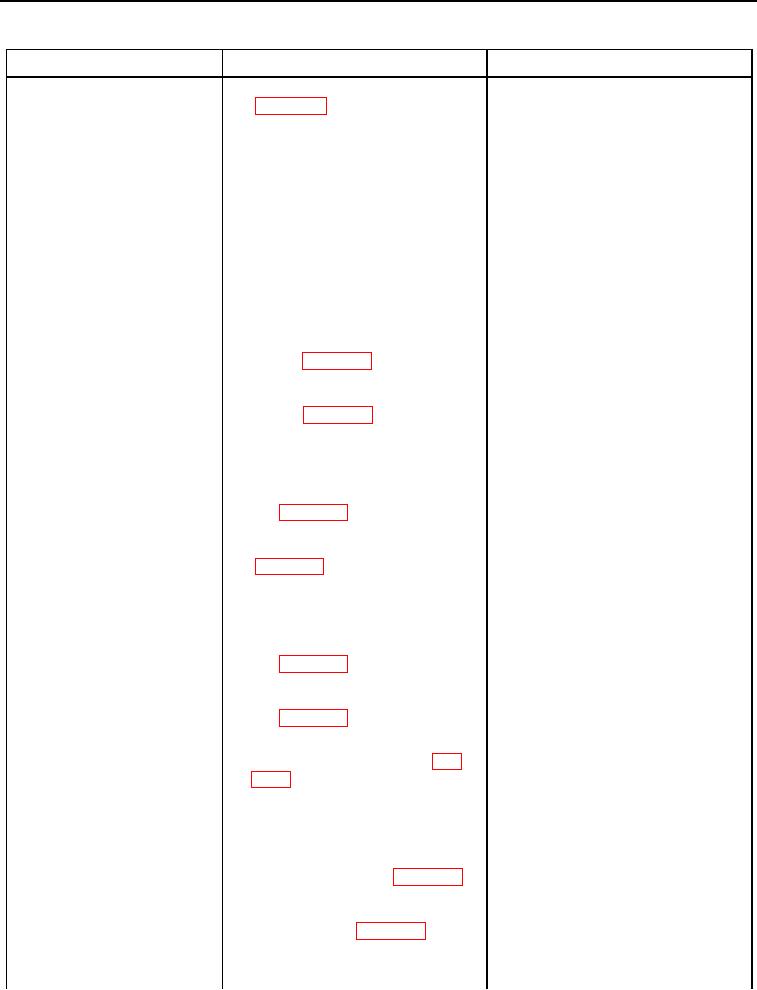
Table 2. Powertrain and Chassis Troubleshooting with Codes - Continued.
CID FMI CODE
Test or Inspection
Corrective Action
0041-04 Sensor Power Sup-
9. Check for diagnostic codes
0041-04 Code Active - Proceed to
ply (8 DCV) Voltage Below
step 10.
Normal - Continued
0041-04 Code Not Active - Replace
left track speed sensor (WP 0127).
Ensure all harness connectors are
reconnected. Verify proper operation
of machine (TM 5-2410-240-10).
10. Turn ignition switch and battery
disconnect switch to OFF position
(TM 5-2410-240-10).
11. Using digital multimeter (WP
Continuity - Proceed to step 12.
0283), test for continuity between
No Continuity - Replace chassis
pin 5 on chassis harness to
harness (WP 0153, WP 0154).
platform harness connector
Ensure all harness connectors are
CH-C1 (WP 0018, Figure 81) and
reconnected. Verify proper operation
pin 1 on chassis harness right
of machine (TM 5-2410-240-10).
track speed sensor connector
CH-C6 (WP 0018, Figure 85).
12. Using digital multimeter (WP
Continuity - Proceed to step 13.
0283), test for continuity between
No Continuity - Replace chassis
pin 5 on chassis harness to
harness (WP 0153, WP 0154).
platform harness connector CH-
Ensure all harness connectors are
C1 (WP 0018, Figure 81) and pin
reconnected. Verify proper operation
1 on chassis harness left track
of machine (TM 5-2410-240-10).
speed sensor connector CH-C7
(WP 0018, Figure 86).
13. Using digital multimeter (WP
No Continuity - Proceed to step 14.
0283), test for continuity between
Continuity - Replace chassis harness
pin 5 on chassis harness to
(WP 0153, WP 0154). Ensure all
platform harness connector CH-
harness connectors are reconnected.
C1 (WP 0018, Figure 81) and all
Verify proper operation of machine
other pins on chassis harness to
(TM 5-2410-240-10).
platform harness connector CH-
C1 (WP 0018, Figure 81).
14. Disconnect platform harness
ECM J1 connector PL-C4 (WP
0018, Figure 217) from machine
ECM (WP 0147, WP 0149).
15. Using digital multimeter (WP
Continuity - Proceed to step 16.
0283), test for continuity between
No Continuity - Replace platform
pin 44 on platform harness ECM
wiring harness (WP 0150, WP 0155).
J1 connector PL-C4 (WP 0018,
Ensure all harness connectors are
Figure 217) and pin 5 on platform
reconnected. Verify proper operation
harness to chassis harness con-
of machine (TM 5-2410-240-10).
nector PL-C18 (WP 0018, Figure
226).
0020-12