

TM 5-2410-240-23-1
0021
Table 2. Cab Troubleshooting With Codes. - Continued.
0021
CID FMI CODE
TEST OR INSPECTION
CORRECTIVE ACTION
2659-02 Cab Air Temperature Con-
3. Using digital multimeter, test
Continuity Check Does Not
trol Switch Data Erratic, Intermittent
auto-manual A/C switch (WP
Agree With Expected Results -
Or Incorrect - Continued
0018, Figure 53) for continuity
Replace auto-manual A/C switch
(WP 0283) between the fol-
(WP 0212). Ensure all harness
lowing switch terminals:
connectors are reconnected. Verify
a. Switch terminal 1 and
proper operation of machine (TM
terminal 2. Refer to
5-2410-240-10).
Table 10 for results.
Continuity Check Agrees With
b. Switch terminal 2 and ter-
Expected Results - Proceed to
minal 3. Refer to Table 10
step 4.
for results.
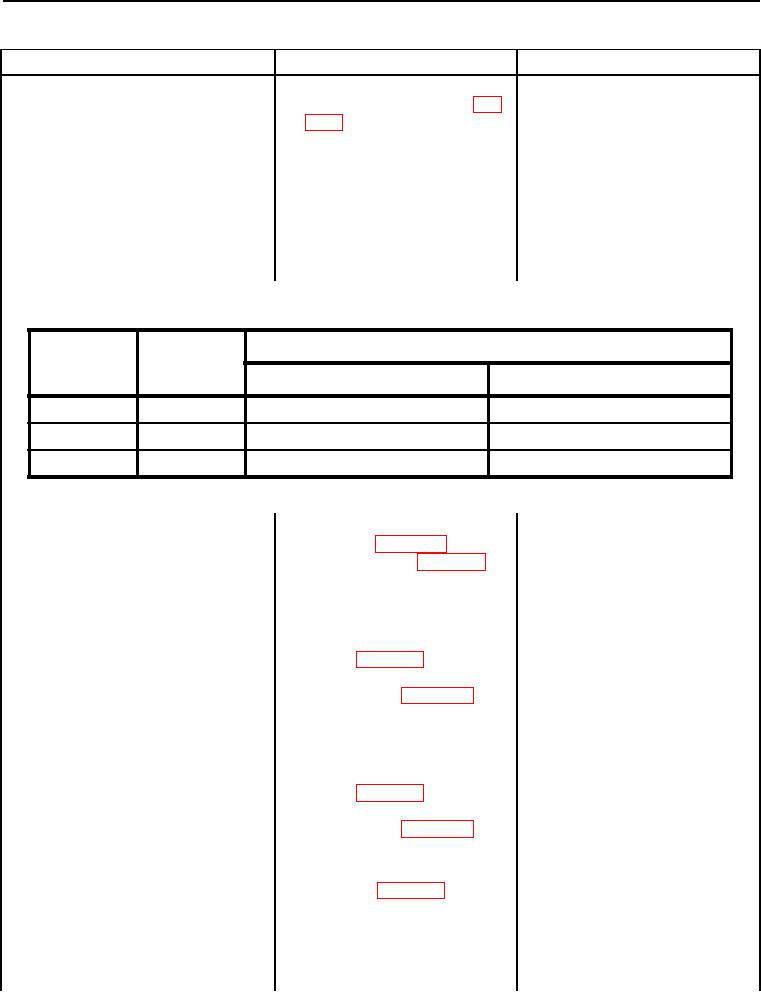
Table 10. Auto-Manual A/C Switch Table.
0021
Expected Results
Switch
Switch
Activation
Position
Terminal 2 and Terminal 3
Terminal 1 and Terminal 2
Auto Mode
Up
Continuity (closed)
No Continuity (open)
A/C Off
Neutral
No Continuity (open)
No Continuity (open)
Manual Mode
Down
No Continuity (open)
Continuity (closed)
4. Disconnect harness connec-
tor C-C12 (WP 0018, Figure
22) from PL-C1 (WP 0018,
Figure 214).
5. Using digital multimeter, test
No Continuity - Replace lower
for continuity (WP 0283)
cab harness (WP 0228). Ensure all
between harness connector
harness connectors are recon-
C-C42 (WP 0018, Figure 31)
nected. Verify proper operation of
terminal 1 and harness con-
machine (TM 5-2410-240-10).
nector C-C12 (WP 0018, Fig-
Continuity - Proceed to step 6.
ure 22) terminal 32.
6. Using digital multimeter, test
No Continuity - Replace lower
for continuity (WP 0283)
cab harness (WP 0228). Ensure all
between harness connector
harness connectors are recon-
C-C42 (WP 0018, Figure 31)
nected. Verify proper operation of
terminal 3 and harness con-
machine (TM 5-2410-240-10).
nector C-C12 (WP 0018, Fig-
Continuity - Proceed to step 7.
ure 22) terminal 60.
7. Disconnect harness connec-
tor PL-C4 (WP 0018, Figure
217) from equipment ECM J1.